An apprentice for your studio.
You draw the outline. It lays in the colour — in your palette, your hand. You do the shading. Atelier is an AI apprentice that learns your style from your own pieces and takes the legwork off your desk, so you can spend your time on the finer details. It runs on your own computer; your work never leaves it and is never used to train anyone's AI.
Free and open source. Unsigned builds (see the Download notes). The app fetches two pretrained models once (~3 GB), then runs offline. Version 0.1.4 — sharper brushwork, a composition lock, an apprentice you can train on your own work, and a log of every run.
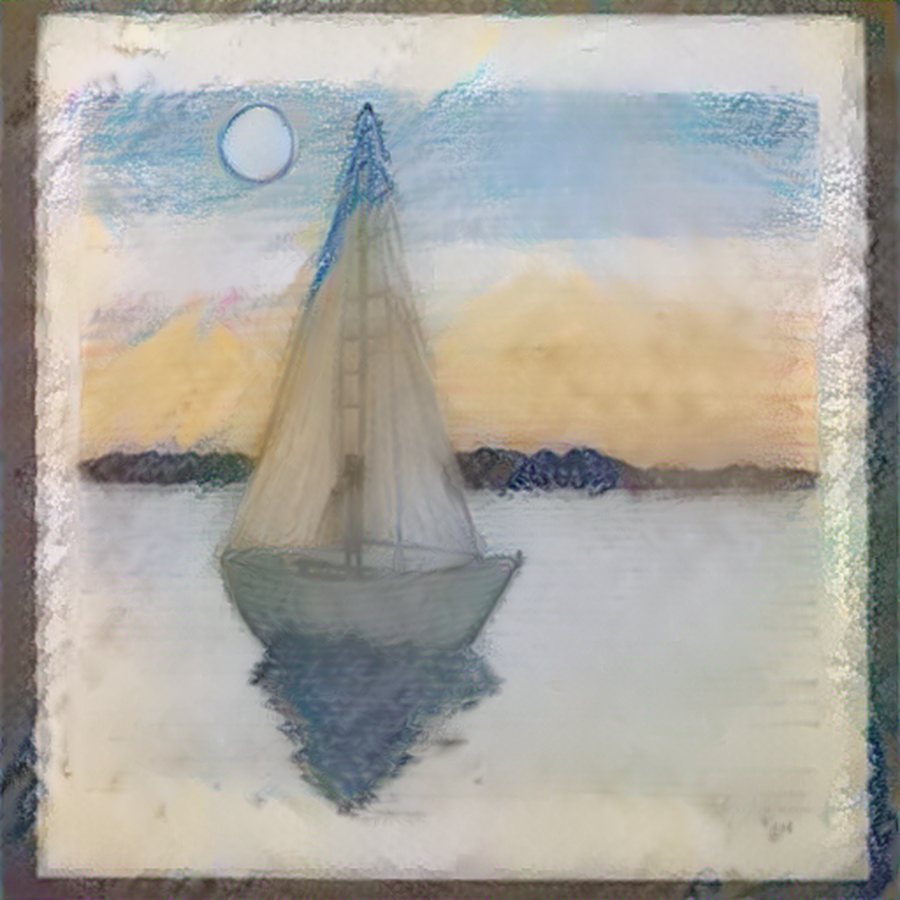
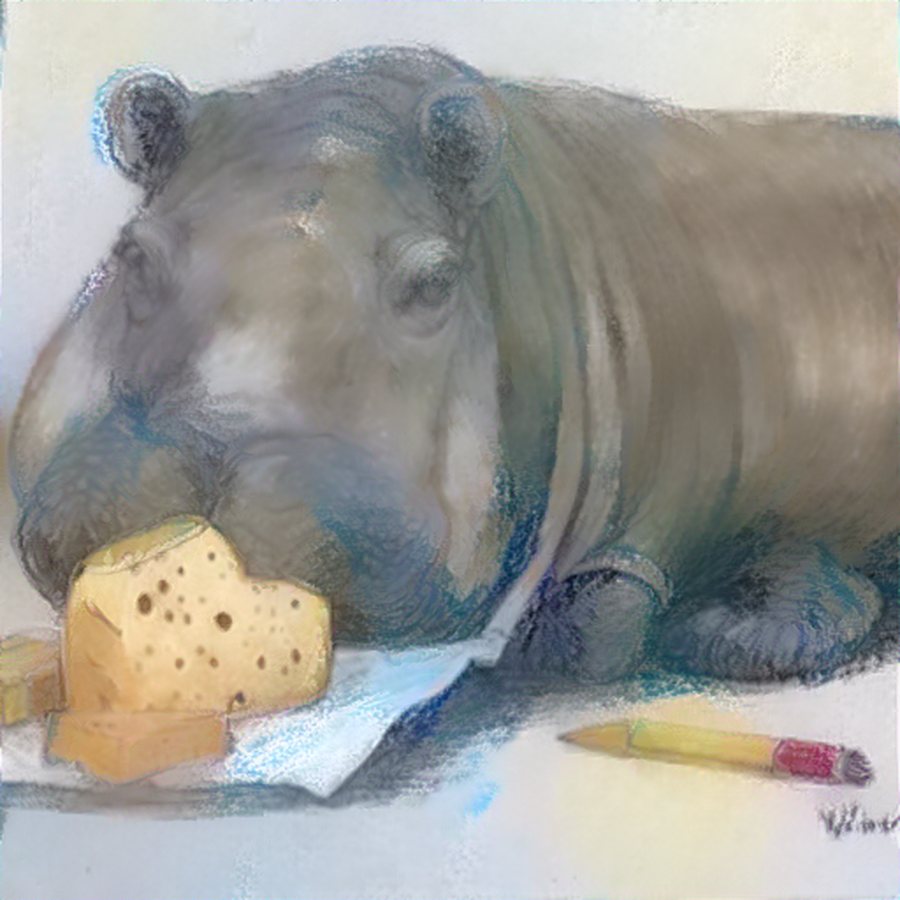
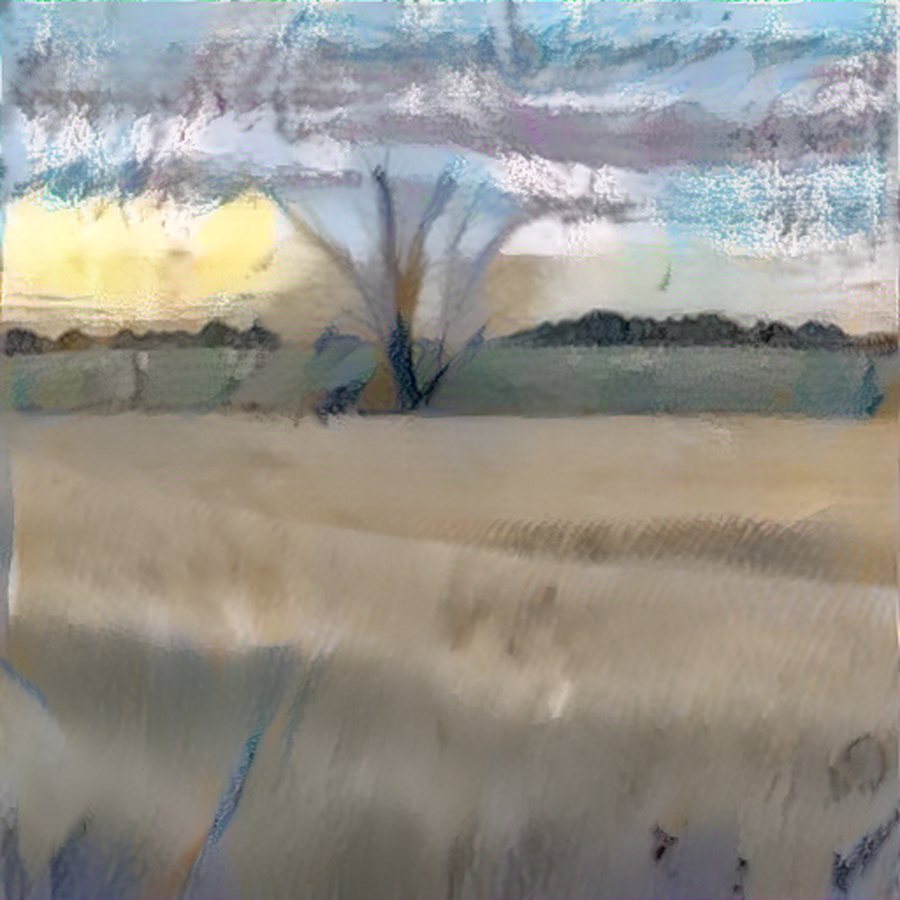
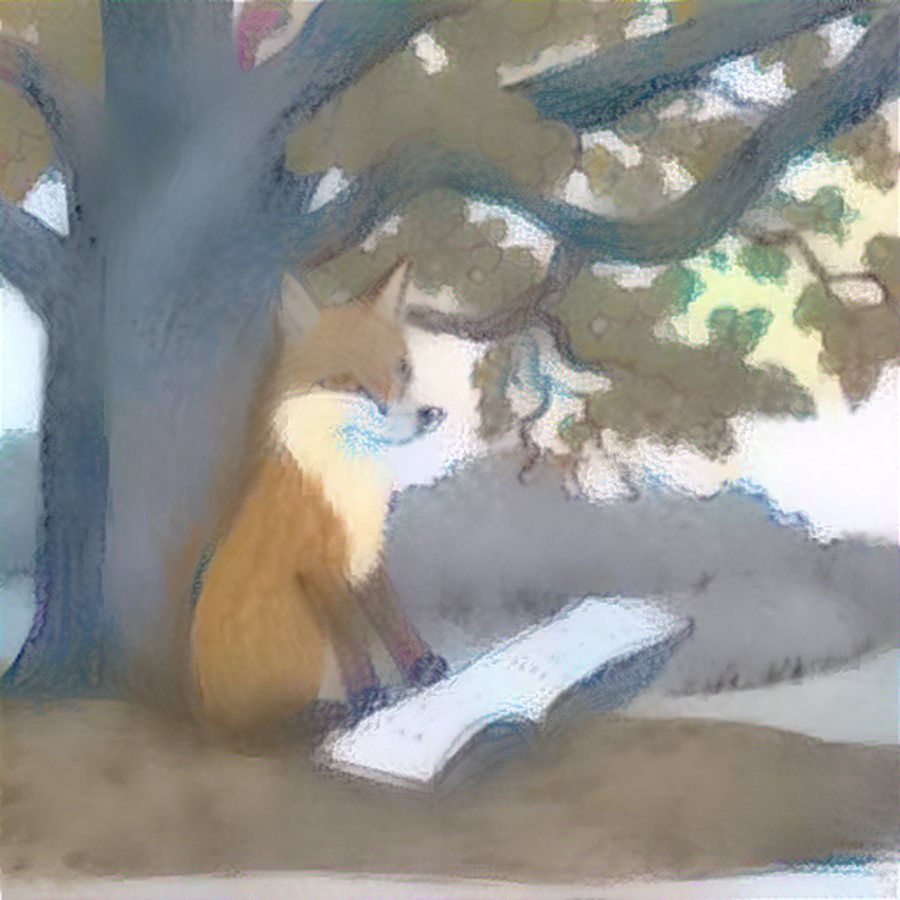
Painted by the apprentice
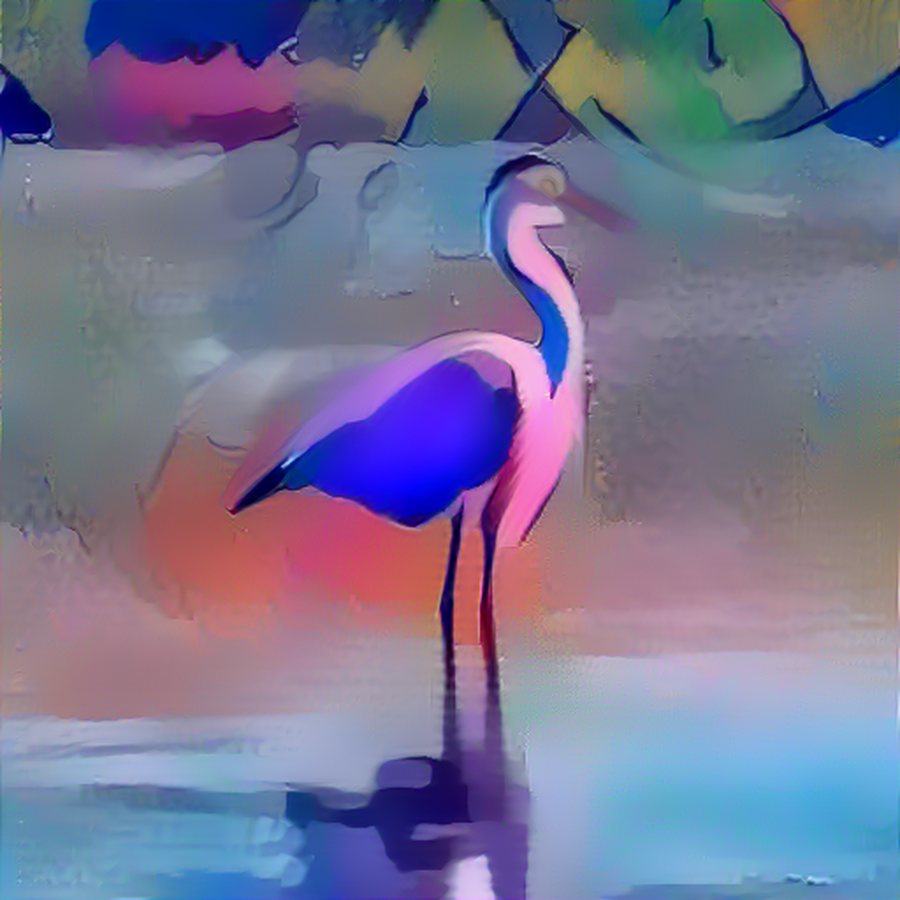
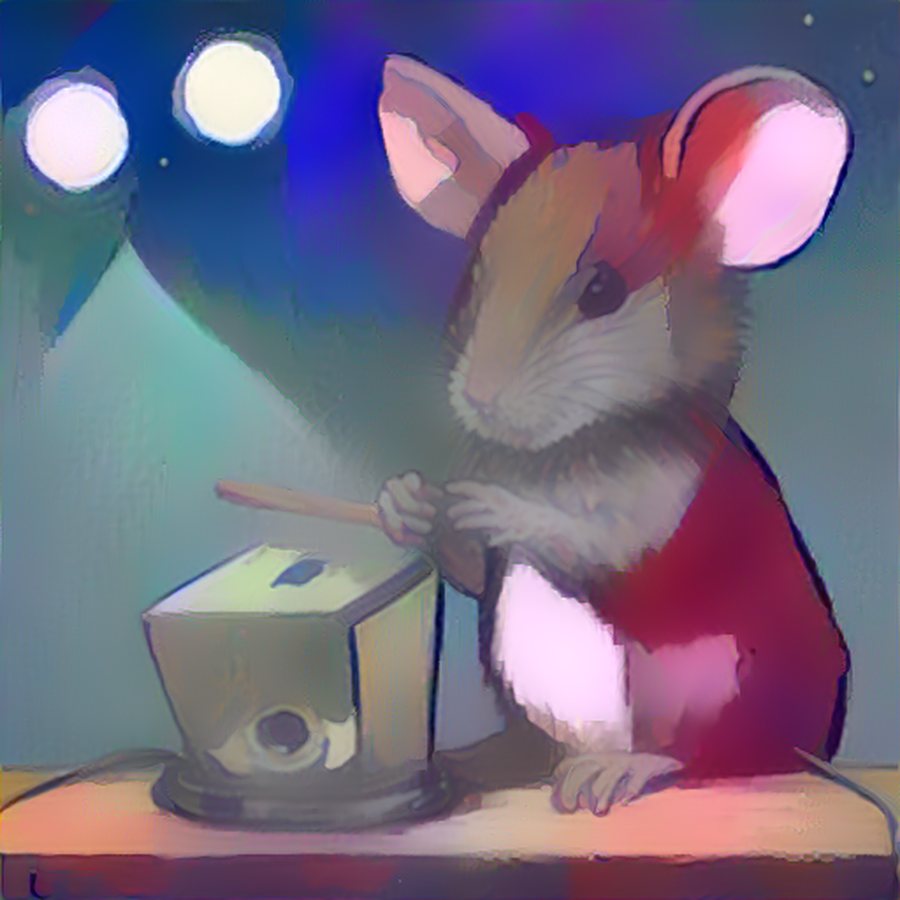
Every piece below was painted on an ordinary laptop from a handful of one artist's own drawings — no fine-tuning, no cloud, nothing uploaded. The words are the whole brief; the palette, the marks and the paper are the artist's.
How the apprenticeship works
Like any apprentice, it starts by studying your work — then it takes the parts of the job you'd happily hand off.
Private by construction
- No account, no upload, no server of ours. The app is a local program that opens a window.
- The only network access is a one-time download of two public, pretrained models. After that, switch the network off: it keeps working.
- Nothing here trains a shared model on your work. The “style book” — and the apprentice's eye, if you train one — are files in the app's folder describing your palette and marks, used only to paint for you. Delete the folder and the apprentice forgets everything.
- The History rail is just the gallery folder: every run is a small record next to its images, on your disk. No sync, no account, nothing phoning home.
- Open source, so all of this can be checked — and the sandbox folder is a plain folder you can open any time from inside the app.
The apprentice's own eye
Press one button and Atelier trains a small model — a variational autoencoder — on your pieces and nothing else. It takes a few minutes on your own machine, and it learns one thing: what your paint looks like up close, at the scale you actually make marks.
From then on it sits over the apprentice's shoulder, asking of every patch: is this something I have seen this artist do? The general-purpose network underneath knows a million photographs of the world, which is why, pushed hard, it starts smuggling other people's faces and objects into your picture. Your own eye knows only your work, and pulls the picture back toward it.
Optional, and yours: the trained eye is a file in your folder, trained on your pieces, used only to paint for you — delete it and the apprentice forgets. Trained on a handful of pieces it learns your colour and the feel of your marks, not how you draw a hand: a nudge in the right direction, not a second artist. The architecture is adapted from a face-generation VAE we built for a computer-vision course, including its most useful lesson — the plain autoencoder beat the adversarial version we wrote alongside it.
The controls
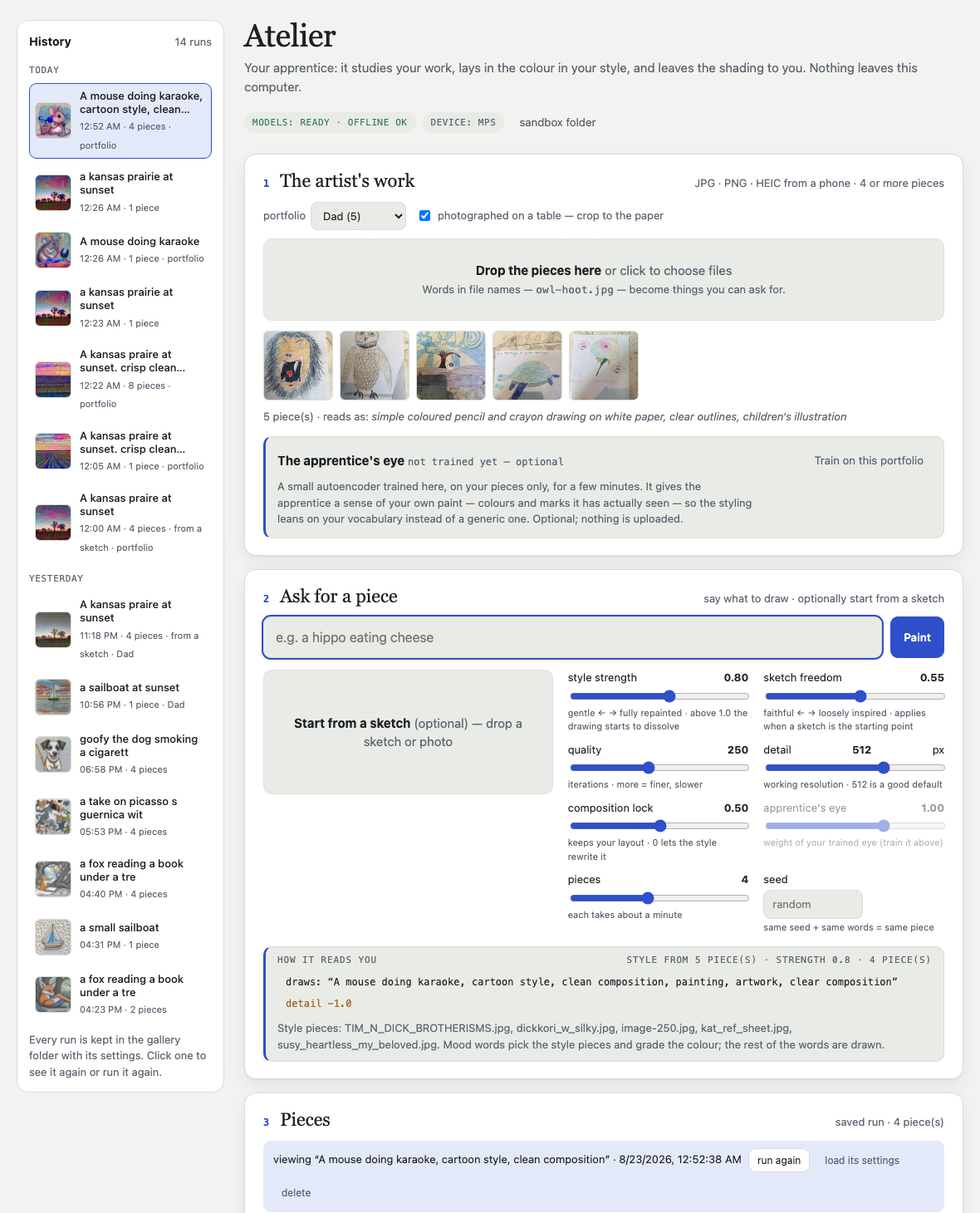
| Style strength | How hard your style is pushed onto the piece: a gentle tint of your palette → fully repainted in your brushwork. Around 0.6–0.9 keeps the drawing intact. |
|---|---|
| Composition lock | How much of your layout survives the styling. 0 lets the style rewrite the big shapes; 0.5 (the default) keeps your horizon, your figures, your framing. |
| Sketch freedom | How much licence the apprentice gets with your outline: faithful to every line → only loosely inspired by it. Or colour the sketch exactly as it is. |
| Apprentice's eye | How much weight your trained eye carries, once you have trained one. |
| Quality · detail | Iterations and working resolution — finer results take longer. About a minute per piece at the defaults. |
| Pieces · seed | How many to paint (the first is the one that took the style best) and an optional seed so the same brief gives the same piece again. |
Download
All builds: github.com/seaneven-web/atelier/releases. The builds are unsigned: on macOS right-click → Open the first time (Gatekeeper); on Windows choose “More info → Run anyway” (SmartScreen). First launch offers the one-time model download (~3 GB). Needs ~8 GB of RAM; a GPU is used when present, otherwise the CPU (about a minute per piece).
Or run it from source
git clone https://github.com/seaneven-web/atelier && cd atelier
python3 -m venv .venv && .venv/bin/pip install -r requirements.txt -r requirements-desktop.txt
.venv/bin/python atelier_app.py          # the app
.venv/bin/python atelier.py paint "a hippo eating cheese" --portfolio ~/DadsArt   # the command line
What an apprentice can and can't do
It carries your palette, texture and tone very well; it carries your composition less well — which is exactly why the outline should be yours, and why the composition lock exists. More pieces help it learn, and cleanly photographed pieces help most. Asked for something without a sketch, it composes the scene itself (a small text-to-image model) and then paints it in your style — handy, but less yours. A deeper apprenticeship (fine-tuning the content model on your work, a LoRA) would learn your composition too; it needs a real GPU and is the natural next step.